Moving code between GIT repositories with Copybara
Copybara is a tool to move source code between git repositories automatically. When would you use such a tool? - When you have an internal repository but…

On this page (6)
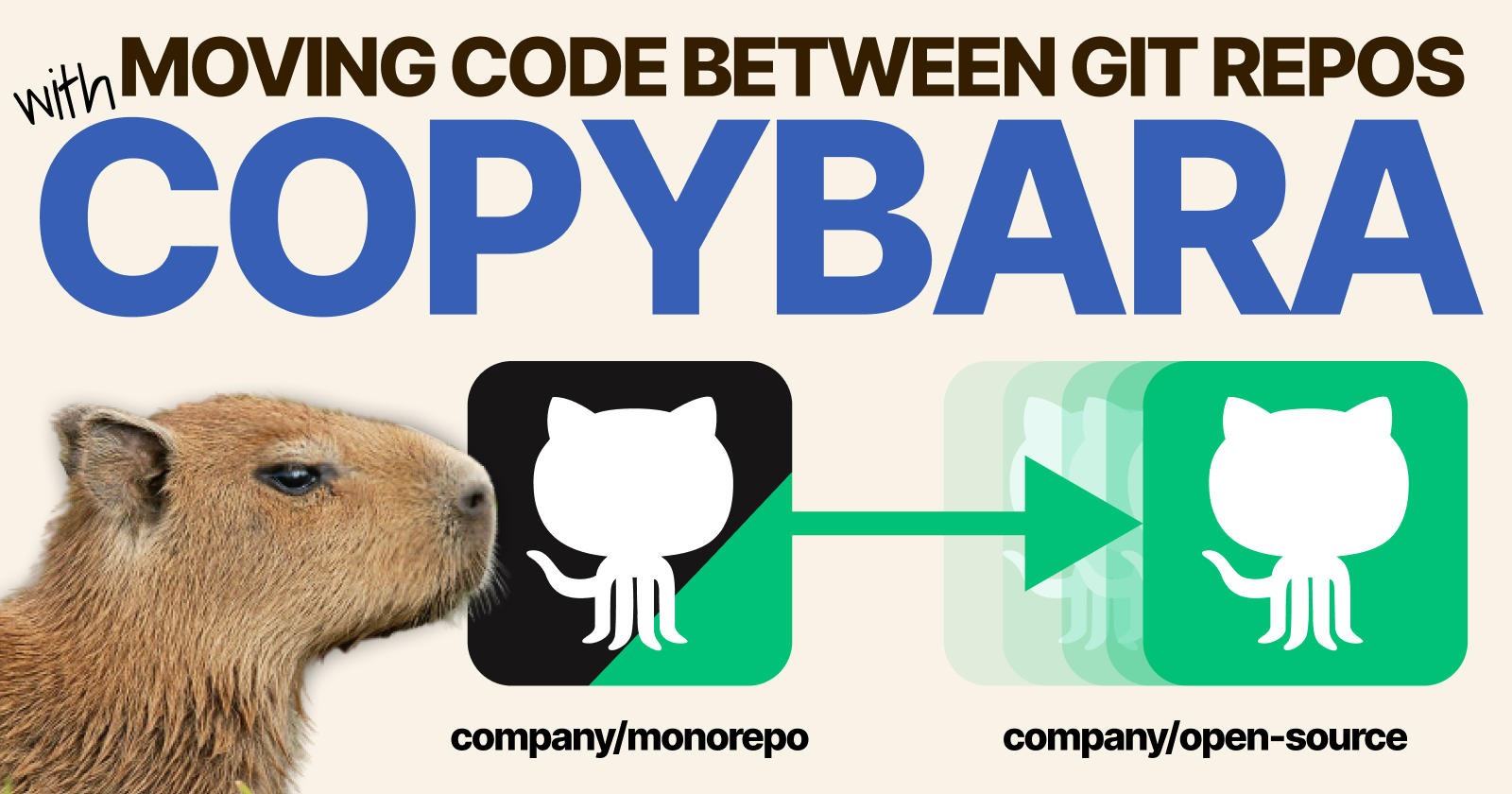
Copybara is a tool to move source code between git repositories automatically.
When would you use such a tool?
- When you have an internal repository but want open-source parts of it.
- When you have multiple repositories and need to propagate code changes to all of them at once.
Understanding how Copybara keeps GIT repositories in sync #
Copybara is a declarative tool where you describe the source and destination repository and any transformation you want to apply to the code.
Let's have a look at a straightforward example.
Suppose you have two repositories: a monorepo and a public-repo.
monorepo/
├─ internal/
│  ├─ do-not-share.js
├─ external/
│  ├─ library.js
├─ README.md

public-repo/
├─ library.jsAt this point, the external folder in the monorepo and the public-repo are in sync.
They have the same files (library.js) with the same content.
While the monorepo is only available internally, the public repository can receive contributions.
Let's imagine there's a pull request to include a README.md file and an improvement to library.js.
As soon you merge it, the two repositories are out of sync:
monorepo/
├─ internal/
│  ├─ do-not-share.js
├─ external/
│  ├─ library.js
├─ README.md

public-repo/
├─ library.js* <-- modified
├─ README.md <-- addedThe two repositories are out of sync.
Here's where Copybara comes in.
You can define a mechanism to copy changes from one repository to another.
Let's have a look.
sourceUrl = "ssh://git@github.com/danielepolencic/public-repo.git"
destinationUrl = "ssh://git@github.com/danielepolencic/monorepo.git"

core.workflow(
    name = "default",
    origin = git.origin(
        url = sourceUrl,
        ref = "master",
    ),
    destination = git.destination(
        url = destinationUrl,
        fetch = "master",
        push = "master",
    ),
    destination_files = glob(["external/**"]),
    authoring = authoring.pass_thru("Copybara <copybara@example.com>"),
    transformations = [
        core.move("", "external"),
    ],
)You can save this file as copy.bara.sky.
What's a .sky file?!
Copybara uses Starlark to define how the code should be moved.
Starlark is a subset of Python that is side-effect free (executing the same Starlark twice should produce the same output).
The file uses a method called .workflow to define a transformation.
git.origincontains the details of the source repository. In this case, it is pointing to the external repository.git.destinationcontains the details of the repository that will receive the changes. In this case, it's the monorepo.destination_filesis where the files should be stored. In this case, all files from the public-repo should be copied to theexternalfolder in the monorepo.authoringis the default author that made the changes.- [
transformation](https://github.com/google/copybara/blob/master/docs/reference.md#core) is a list of transformation. In this case, all files are moved to theexternal` folder.
You can run the file with:
$ java -jar bazel-bin/java/com/google/copybara/copybara_deploy.jar copy.bara.sky
INFO: Setting up LogManager
Copybara source mover (Version: Unknown version)
Task: Git Destination: Fetching: ssh://git@github.com/danielepolencic/monorepo.git refs/heads/master
ERROR: Cannot find last imported revision. Use --force if you really want to proceed with the migration use, or use '--last-rev' to override the revision.It failed!
Copybara uses the GitOrigin-RevId label on your GIT repository to keep track of the changes that were already migrated.
Since this is the first time you run the tool and there is no label, Copybara fails.
You can force Copybara to start fresh by appending the --force flag.
$ java -jar bazel-bin/java/com/google/copybara/copybara_deploy.jar copy.bara.sky --forceAs soon as Copybara completes, the new structure of the two repositories is as follows:
monorepo/
├─ internal/
│  ├─ do-not-share.js
├─ external/
│  ├─ library.js* <-- updated
│  ├─ README.md   <-- added
├─ README.md

public-repo/
├─ library.js
├─ README.mdGreat!
Now the two repositories are in sync.
But what if you don't want to commit the changes to master directly and raise a Pull Request instead?
Raising a Pull Request on GitHub with Copybara #
Copybara can create a different branch with the changes and open a Pull Request on GitHub.
Let's amend the previous example to create a Pull Request on the monorepo instead of committing the changes directly to master.
Amend the copy.bara.sky file to have this new code:
sourceUrl = "ssh://git@github.com/danielepolencic/public-repo.git"
destinationUrl = "ssh://git@github.com/danielepolencic/monorepo.git"

core.workflow(
    name = "default",
    origin = git.origin(
        url = sourceUrl,
        ref = "master",
    ),
    destination = git.github_pr_destination(
        url = destinationUrl,
        destination_ref = "master",
        pr_branch = "from_public_repo",
        title = "pr from external public repo",
        body = "this is a sample pull request",
        integrates = [],
    ),
    destination_files = glob(["external/**"]),
    authoring = authoring.pass_thru("Copybara <copybara@example.com>"),
    transformations = [
        core.move("", "external"),
    ],
)This time, you replaced the git.destination method with git.github_pr_destination.
The new method accepts a few more arguments where you can specify the target branch that receives the update (destination ref) as well as the title of the PR (title) and the name of the branch (pr_branch).
Before executing the migration, let's make a tiny change to the public repo; otherwise, Copybara will complain that no change has been detected.
monorepo/
├─ internal/
│  ├─ do-not-share.js
├─ external/
│  ├─ library.js
│  ├─ README.md
├─ README.md

public-repo/
├─ library.js
├─ README.md <-- updatedLet's run Copybara with:
$ java -jar bazel-bin/java/com/google/copybara/copybara_deploy.jar copy.bara.sky
Task: Git Destination: Fetching: ssh://git@github.com/danielepolencic/monorepo.git refs/heads/master
Task: Git Destination: Pushing to ssh://git@github.com/danielepolencic/monorepo.git refs/heads/from_public_repo
INFO: GitHub credentials not found in ~/.git-credentials. Assuming the repository is public.
ERROR: Project not found: GitHub API call failed with code 404 The request was GET repos/danielepolencic/monorepo/pulls?per_page=100&head=danielepolencic:from_public_repoIt failed again!
Until now, Copybara used the configuration on your computer to connect to GitHub.
In other words, if you set up SSH private keys to connect to your GitHub public or private repositories, Copybara can use those to create commits, add labels, etc.
But when it comes to raising Pull Requests and GitHub-specific features, Copybara has to call the GitHub API to make those work.
By default, it looks for the credentials stored in ~/.git-credentials.
Since, in this case, there are none, the request fails.
You can find the instructions on how to add the credentials here.
If you rerun the previous command, it should go through, and a Pull Request is created on the monorepo.
End-to-end workflow for pushing and pulling changes across repositories #
Until this point, all the changes to the repository were unidirectional — we always moved all the changes from the public-repo to the monorepo.
But what about pushing changes from the monorepo to the public-repo?
We could augment our design so that:
- All changes from the
public-repoare migrated to themonorepoas a pull request. - All changes from the
monorepoare migrated to thepublic-repoas another pull request.
To do so, we can create multiple workflows in the copy.bara.sky file:
sourceUrl = "ssh://git@github.com/danielepolencic/public-repo.git"
destinationUrl = "ssh://git@github.com/danielepolencic/monorepo.git"

core.workflow(
    name = "pull", 								# <- renamed to pull
    origin = git.origin(
        url = sourceUrl,
        ref = "master",
    ),
    destination = git.github_pr_destination(
        url = destinationUrl,
        destination_ref = "master",
        pr_branch = "from_public_repo",
        title = "pr from external public repo",
        body = "this is a sample pull request",
        integrates = [],
    ),
    destination_files = glob(["external/**"]),
    authoring = authoring.pass_thru("Copybara <copybara@example.com>"),
    transformations = [
        core.move("", "external"),
    ],
)

core.workflow(
    name = "push", 								# <- created
    origin = git.origin(
        url = destinationUrl,
        ref = "master",
    ),
    destination = git.github_pr_destination(
        url = sourceUrl,
        destination_ref = "master",
        pr_branch = "from_monorepo",
        title = "pr from monorepo",
        body = "this is a sample pull request",
        integrates = [],
    ),
    origin_files = glob(["external/**"]),  # pay attention!
    authoring = authoring.pass_thru("Copybara <copybara@example.com>"),
    transformations = [
        core.move("external", ""),
    ],
)In this file, we have two workflows:
- A
pullworkflow that is the same as the previous. - A new
pushworkflow that copies changes from themonorepoto thepublic-repo.
It's worth noting that the two workflows are very similar, but there are some noteworthy distinctions:
- The source and the destination repository URLs are swapped.
- While in the
pullworkflow, you usedestination_filesto copy all files into a particular folder, in thepushworkflow, you useorigin_filesto export only the changes to files in that folder. - The
core.movemethod adds a prefix in thepullworkflow and removes it in thepush.
With those changes, you can pull and push changes to the two repositories with the following commands:
$ java -jar bazel-bin/java/com/google/copybara/copybara_deploy.jar copy.bara.sky push
$ java -jar bazel-bin/java/com/google/copybara/copybara_deploy.jar copy.bara.sky pullThis combination of workflows is very similar to the familiar git pull and git push commands, but it works across repositories.
But there's another convenient feature to make the process even more seamless.
Mirroring changes to Pull Requests with Copybara #
You can configure your principal repository (monorepo in our example) to mirror Pull Requests on another (external) repository.
Here's an example of such workflow:
  +--------------------+             +--------------------+
  |                    |             |                    |
  |  External Repo     |             |    External PR     +<---+ OSS contributor
  |                    |             |                    |      opens a PR
  |                    |             |                    |
  +--------^-----------+             +--------+-----------+
          |                                  |
    New commits are                  Changes shadowed as an
    pushed via copybara              internal PR via copybara
          |                                  |
  +--------+-----------+             +--------v-----------+
  |                    |             |                    |
  |   Internal Repo    +<------------+  Internal PR       |
  |                    |   CI runs   |                    |
  |                    |   &         +--------------------+
+--------------------+ Team member reviews and mergesThe entire process could be automated with a CI/CD pipeline so that you always have the latest changes.
Summary #
If you don't want to use GIT submodules but still need to manage dependent projects in GIT, you should consider giving Copybara a shot.
Copybara is a reliable tool to automate GIT changes between repositories and can be easily integrated with GitHub.
I hope you found this collection of notes on using Copybara useful.
If you like this article, you might like the threads I publish on Twitter.
Annex: how to install Copybara #
Copybara isn't packaged as a single binary; you should build it first.
You should check out the repository and build the jar with:
$ brew install bazelisk
$ git clone https://github.com/google/copybara
$ bazel build java/com/google/copybara:copybara_deploy.jarYou might face the following error:
No matching toolchains found for types @bazel_tools//tools/cpp:toolchain_type. Maybe --incompatible_use_cc_configure_from_rules_cc has been flipped and there is no default C++ toolchain added in the WORKSPACE file? See https://github.com/bazelbuild/bazel/issues/10134 for details and migration instructions.
The issue is the version of Bazel and your M1. I can't find the GitHub issue anymore, but the fix was implemented in 5.0.0 and "lost" in 5.2.0.
To fix it, you can create a .bazelversion file at the project's root and add 5.0.0 as the content.
If you face the following error:
An error occurred during the fetch of repository 'JCommander':
You should downgrade your repo version to a version before this commit. You can find more info here.
You can finally run copybara with:
$ java -jar bazel-bin/java/com/google/copybara/copybara_deploy.jar
Jun 24, 2022 10:46:51 AM com.google.copybara.Main configureLog
INFO: Setting up LogManager
Copybara source mover (Version: Unknown version)
Task: Running migrate
ERROR: Configuration file missing for 'migrate' subcommand.

ERROR: Try 'copybara help'.Follow Kubesimplify on Hashnode, Twitter and Linkedin. Join our Discord server to learn with us.
Get new posts in your inbox.
Spotted a typo or want to improve this post? Edit on GitHub →